

Microsoft 365 Reporting: No-Script, Automated Reports for M365 Visibility, Audit, Analytics, Security & Compliance
Vyapin Microsoft 365 Reports is the most advanced reporting & analytics solution for Office 365 Administration, Governance & Planning.
Vyapin Microsoft 365 Reports is the most advanced reporting & analytics solution for Office 365 Administration, Governance & Planning.
- Discovery and Documentation of what is there in your Office 365
- Visibility into what is happening in your Office 365
- Audit of all activities for Security, Compliance and Change Management
- User Access rights management to fix internal security threats and DLP
- Usage and Analytics to assist in Growth and Capacity Planning
Exchange Online Reports for Office 365
Vyapin Exchange online reporting tool gives you comprehensive information about your Office 365 Users, Groups, Mailbox configuration, Mailbox Security, Mailbox Usage, Folders, Contacts, Mail Items, Public Folders. You can also get various statistics on Mailboxes and Mails to monitor and plan efficient utilization of Exchange Online.
Try Vyapin Exchange Online reporting tool now and get answers for important questions about your Exchange Online such as:
- Which mailboxes have Send as and Send-on-behalf permissions configured? What are the mails that have been sent using Send-on-behalf?
- Which mails have been sent to and received from external users?
- Who has access to do what on other mailboxes, what permissions have been granted?
- What is my volume of mail traffic on specific mailboxes?
- Who are my Top senders and receivers?
- How do I audit and monitor all aspects of my Exchange online?
Office 365 License Reporting & Usage Analysis
Get Detailed reporting on every assigned license to Users
Free-up unused Office 365 licenses by Users and Reassign them to others who need them
Gain deep insights on license usage - getting license information based on Active Directory attributes of Users
More Office 365 Reports for comprehensive O365 Administration
SharePoint Online Reports
- Site Inventory Reports
- OneDrive Permissions Report
- OneDrive User Permissions Report
- OneDrive Non-Owner Permissions Report
Microsoft 365 Analytics Reports
- Mail Traffic Reports
- Attachment Based Reports
- Response Time Report for Mailboxes
- Conversation–Mail Content Analysis
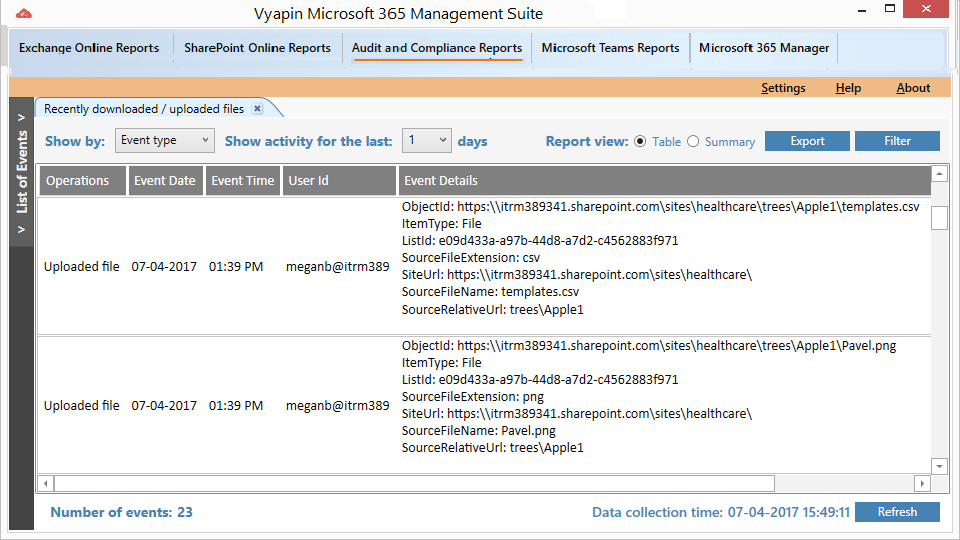
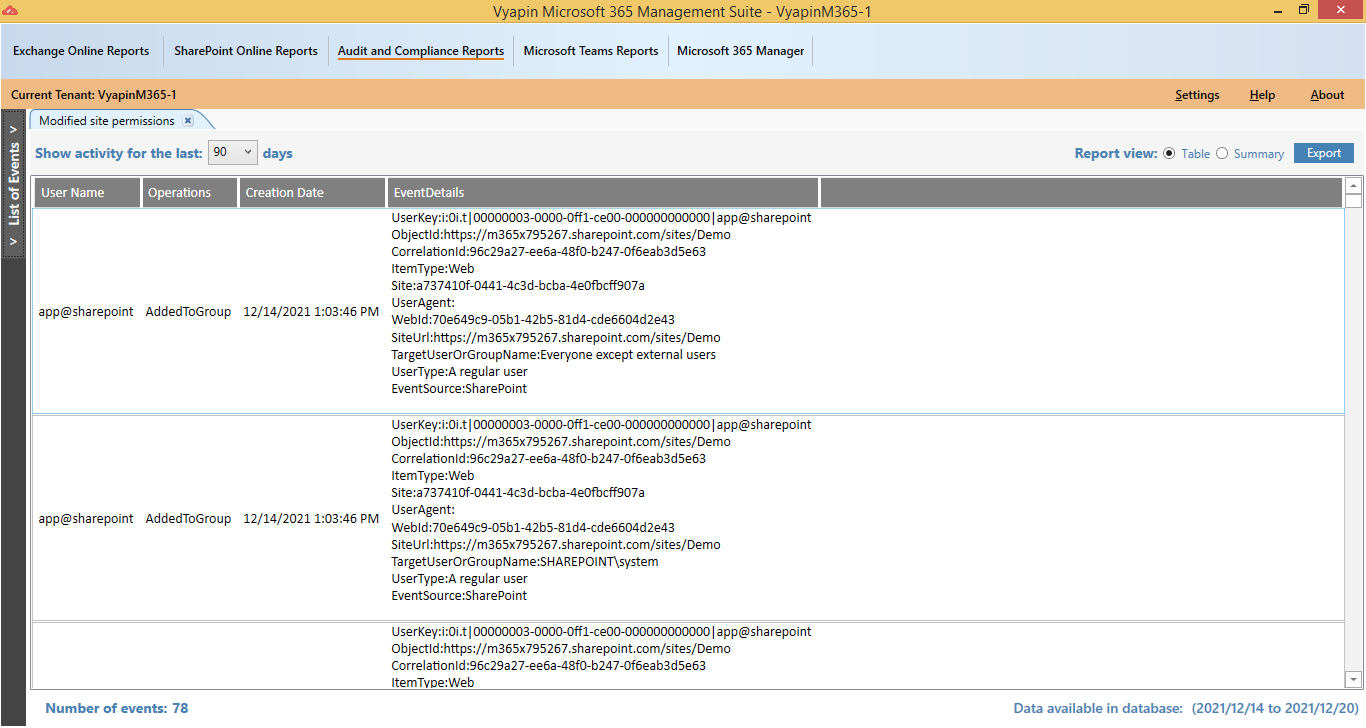
Audit and Compliance Reports
- Site Administration Reports
- Exchange Mailbox Activities
- File and Folder Activity Reports
- Sharing and Access Request Activities
Microsoft Teams Reports
- List of Teams
- List of Meetings
- List of Deleted Teams
- List of Teams and it's channels
Benefits of Vyapin Microsoft 365 Reporting tool
When it comes to cloud, organizations first evaluate the security implications before analyzing other potential benefits. After migrating to Office 365, administrators routinely audit office 365 security threats in order to take actions to remove or mitigate them. Microsoft 365 reports answer a variety of questions related to configuration, permissions, rights management and user management that can cause security vulnerabilities. You can comprehensively analyze how Microsoft 365 management will have an impact over security across your entire office 365 environment, such as non-owner access to other mailboxes and access to the shared mailboxes. You can also analyze user permissions assigned to SharePoint online content and one drive folders and files. Administrators can then secure their organization’s Office 365 online content and prevent content leaks by auditing unauthorized access to your office 365 documents. For example, you can audit permissions to OneDrive personal sites, SharePoint sites, lists, list items etc.
The reports also help you to plan and manage office 365 license usage and thus saving on licensing costs and providing only the right mix of licenses to users. By assigning Office 365 licenses to each end user and without proper planning and recycling of user licenses, an organization can potentially lose a significant amount of money in unwanted licensing.
By using various features in our Microsoft 365 reporting tool, reports for each tenant can be run straight out of the box without running power shell scripts and writing custom code. From a configuration, usage and optimization standpoint, these reports help you to audit and manage your entire Office 365 cloud environment and provide better planning, management and troubleshooting.
Know more about What, Why and How of Auditing and Reporting your Office 365 Environment by reading our blog